Mappings: design, validate and publish transformations
A Mapping defines how records are read, transformed and written. The canvas contains components, ports and connections; the component configuration defines formats, fields and transformation rules. The Session later supplies the execution context and file paths. The Workflow coordinates Sessions.
Keep four actions distinct: editing a draft, Save draft, Publish and Run. Saving persists a design. Publishing establishes a version that authorized consumers can reference. Running processes data. A successful save is not evidence that an output exists.
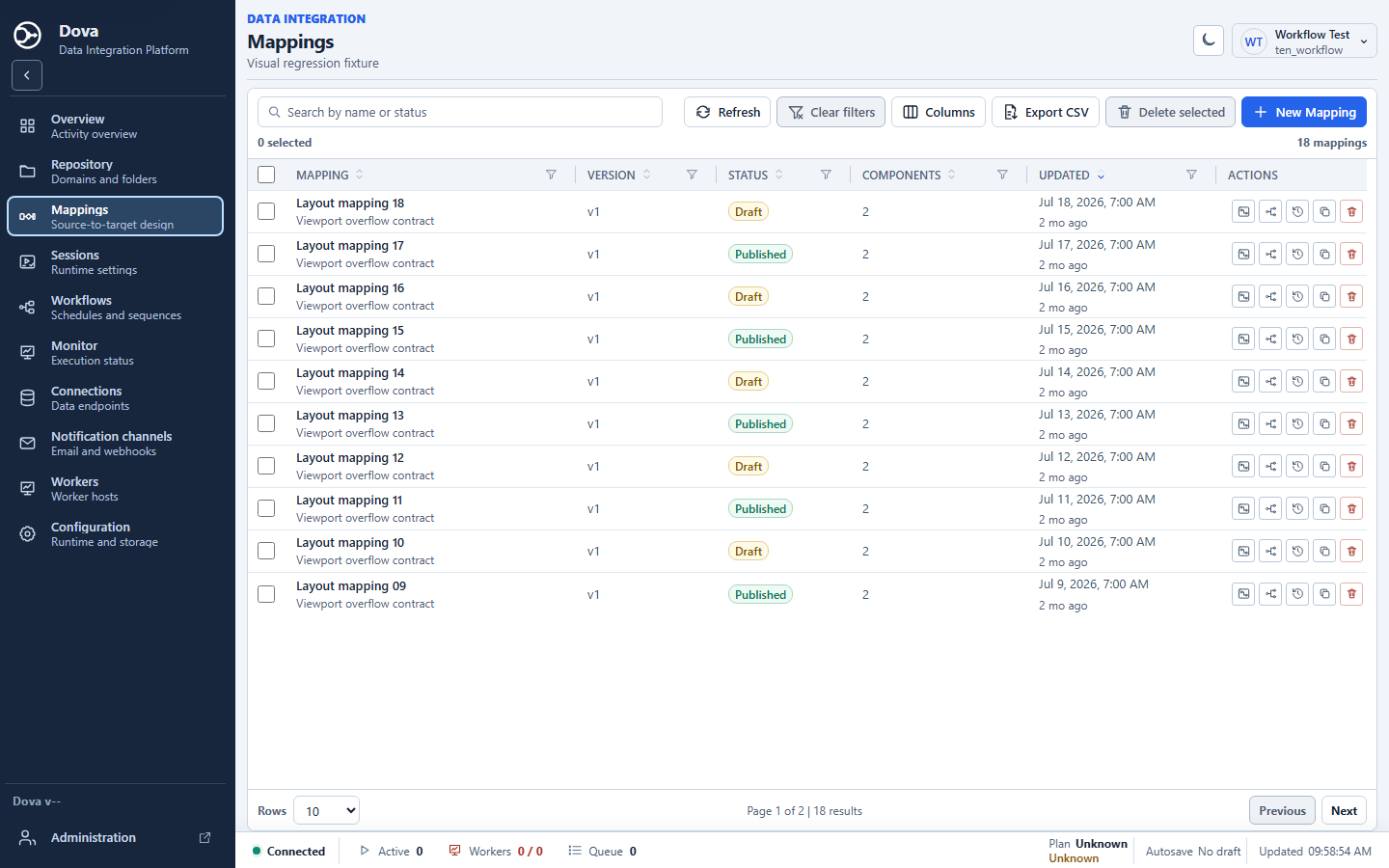
Dova 7 Mappings manager, desktop light theme, using a synthetic local fixture.
Step-by-step procedure
Create a named draft. Open Mappings and create
m_CustomerDemoin the laboratory Domain and Folder. Follow the editor validation: the name begins with a letter, uses letters, digits or underscores, and is within the displayed limit. The current editor accepts 2–79 characters.Add the source and target. Use Components to add Flat File input and Flat File output for a small CSV example. Select each component and inspect Configuration. Define delimiter, header and columns explicitly so that the sample has a stable schema.
Add the transformation. Insert a Clean text component for a synthetic name field, or use the documented customer laboratory chain. Connect compatible ports in the intended direction. A connected port does not prove that a required column exists.
Check component settings. Review every source, transformation and target. Keep file format and schema here; put the actual runtime file paths in the Session. For a remote component, select an authorized Connection and ensure a compatible worker is available.
Arrange and inspect the graph. Use Auto arrange mapping, Zoom and Fit as needed. Arrange changes draft positions and requires at least two components and an acyclic graph. A wide graph can remain horizontally scrollable rather than being compressed into unreadable nodes.
Validate and save. Choose Validate and resolve each listed problem at the indicated component. Then use Save draft. Inspect the result message and any pending-change marker before leaving the editor.
Publish the accepted version. When the design is ready, choose Publish with the required permission. Record the published version. Existing Sessions may retain their earlier reference; review their version notice before updating consumers.
Verify through a small execution. Create a Session and Workflow using synthetic input and an exclusive laboratory destination. After the run, compare row count, columns, values and ordering with an independent expected result. Monitor success alone is insufficient.
Verify the result
The smallest acceptance case uses a two-row CSV and a predictable cleaning rule. Preserve two rows and the intended columns, and verify the transformed values. For the supplied customer laboratory, the documented eight-step chain is clean → replace → split → concat → derive → convert → filter → sort, with 1,000 inputs and 667 expected outputs.
Errors and recovery
For a cycle, fix dependencies before arranging. For a missing column, inspect the source schema and upstream transformations. For a missing file, inspect Session bindings and worker access. Authentication belongs in Connections, not canvas text. After publishing an upstream change, examine the Session and Workflow references explicitly.
Continue
Repository · Sessions · Workflows · Monitor · Configuration.